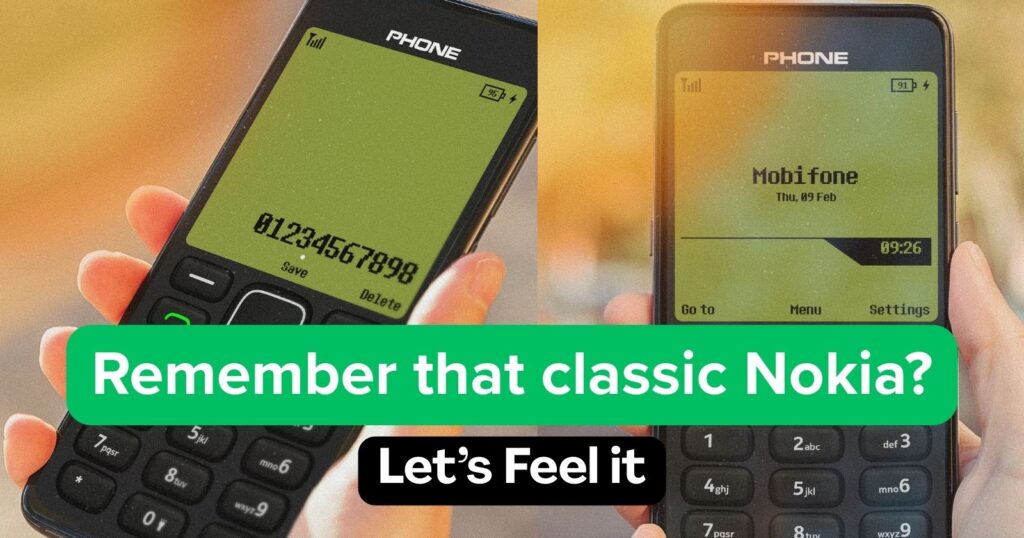
In an era of ultra-high-definition displays and complex gesture controls, sometimes you just want to go back to basics. If you find yourself missing the tactile simplicity of the early 2000s, the Nokia 1280 Launcher by UniTiki is your digital time machine.
With over 5 million downloads, this app isn’t just a theme; it’s a full-scale conversion of your smartphone interface into a classic feature phone. Here is our deep dive into why this launcher is capturing the hearts of nostalgia seekers.
The Aesthetic: Pixel-Perfect Nostalgia
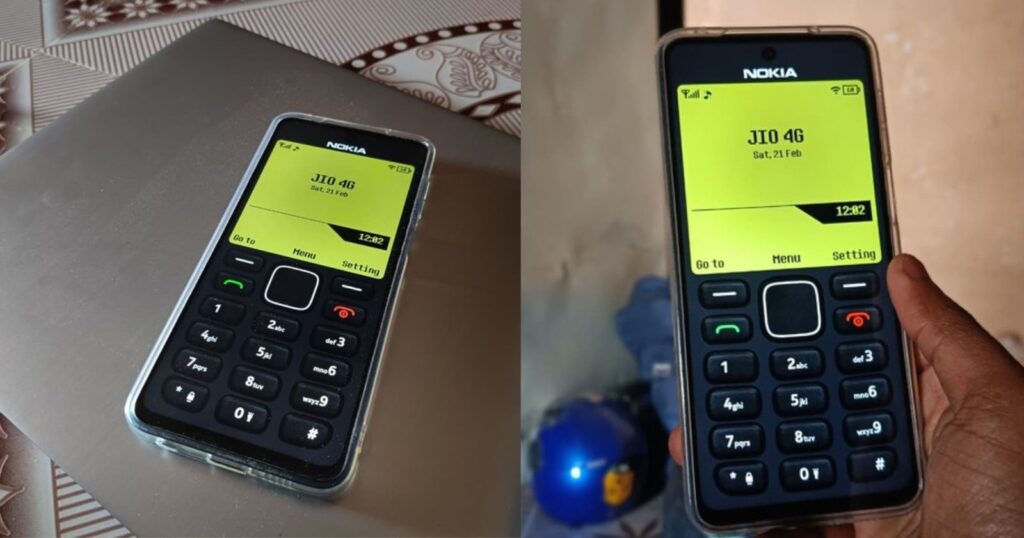
The standout feature of the Nokia 1280 Launcher is its authentic vintage design. The moment you apply the launcher, your modern bezel-less screen is transformed into the familiar monochrome grid of the legendary 1280.
- Classic T9 Keypad: The home screen features a functional T9 dialer, allowing you to “click” through numbers just like the old days.
- Signature Icons: From the “envelope” message icon to the old-school battery bar, every detail has been recreated to mimic the original OS.
- Customizable Themes: While the default is the classic gray/black, you can choose from various “phone colors” and vintage wallpapers to match the specific Nokia model you used to own.
Features That Bridge the Gap
The developers have cleverly integrated modern Android utility within the retro shell. You aren’t losing your smartphone’s power; you’re just skinning it in a more charming way.
- Hot Key Navigation: Just like the physical shortcuts of the past, the “D-pad” controls are mapped to essential tools. Typically, Up toggles the Flashlight, Right opens the Camera, Down opens Contacts, and Left takes you to Messages.
- One-Tap Switch: Tired of the retro look? Long-pressing the “End Call” button allows you to instantly switch back to your default Android launcher.
- Lightweight Performance: At roughly 33 MB, the app is incredibly light. It’s optimized to ensure no lag, even on older devices running Android 5.0 and up.
Performance & Usability
One of the biggest concerns with “skin” apps is that they often slow down the system. However, the Nokia 1280 Launcher is surprisingly snappy. The transitions are smooth, and the app management is handled via a classic list or grid menu that feels intuitive.
Note: This is a fan-made application and is not affiliated with Nokia Corporation. It is designed as a tribute to the classic era of mobile design.
Verdict: Is it for you?
If you are a fan of minimalism or simply want to spark a conversation when someone sees your phone, this launcher is a must-try. It strips away the visual clutter of modern notifications and replaces them with a clean, focused, and undeniably cool interface.
Pros:
- Extremely high nostalgia factor.
- Very low impact on battery and RAM.
- Easy to set up and toggle off.
Cons:
- Contains ads in the settings menu.
- Limited widget support (by design).
How to Get Started
- Download Nokia 1280 Launcher from the Below.
- Open the app and grant the necessary permissions for it to act as your home screen.
- Dive into the settings to pick your favorite ringtone and wallpaper.
- Relive the 2000s!