
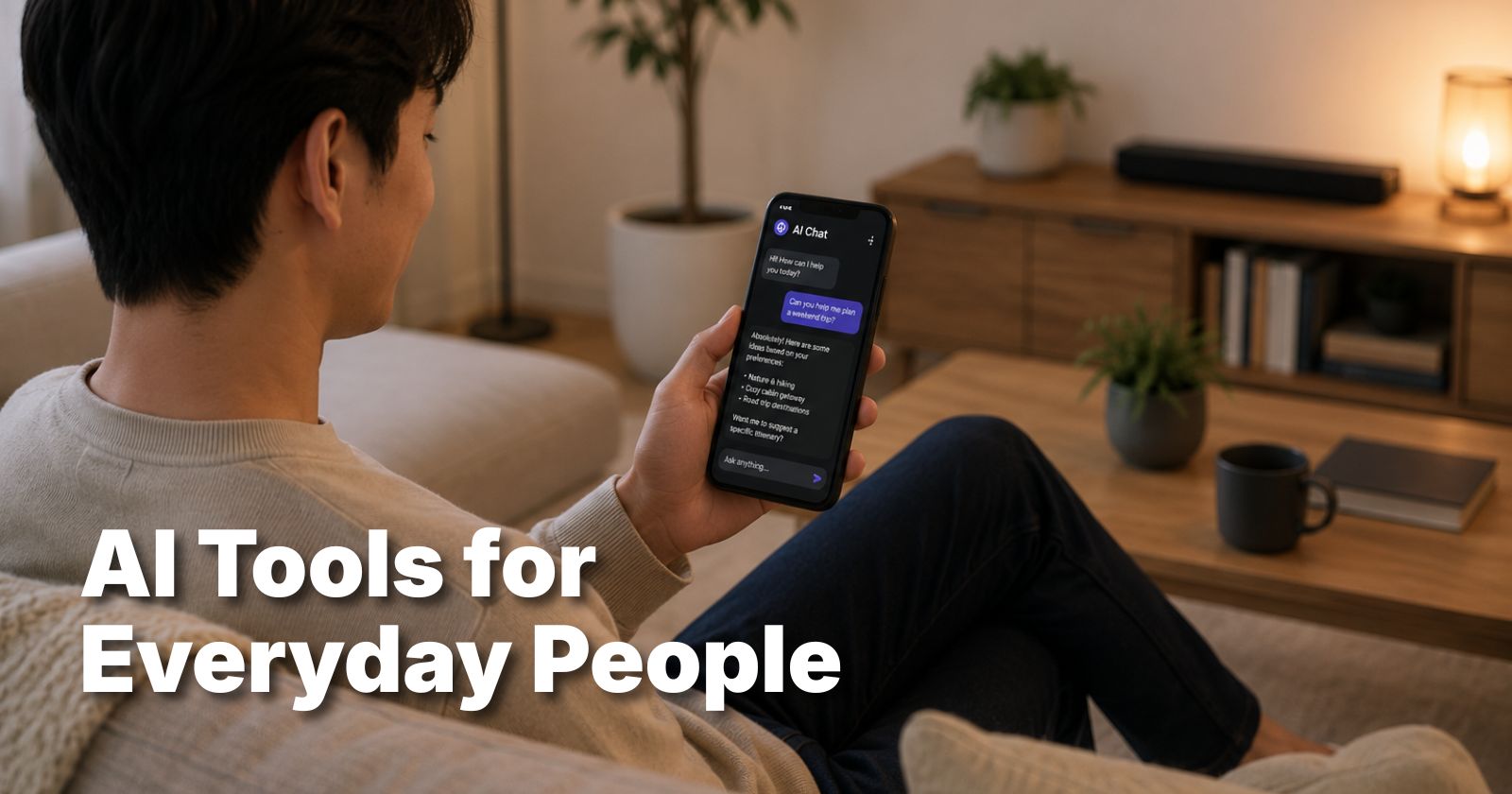

The world of artificial intelligence moves fast, but you don’t need to be a “techie” to catch up. In 2026, the most powerful technology on the planet is available for free, right in your pocket. Whether you want to organize your family’s schedule, edit photos like a pro, or save five hours of work every week, there is an app for that.
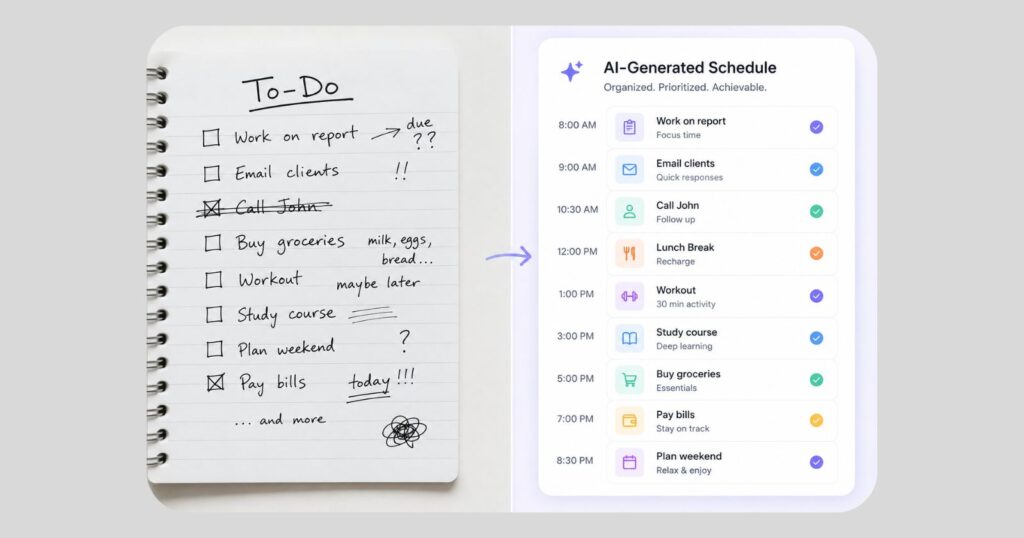
Using AI tools for everyday people isn’t about writing code; it’s about knowing which “digital assistants” to hire for the day. This guide breaks down the top 12 tools that require zero technical skills. You will learn how to automate the boring stuff so you can get back to what matters.
The Evolution of AI in 2026
Artificial intelligence is no longer a futuristic concept. According to a recent Pew Research Center report, nearly 22% of Americans now use AI chatbots for health information alone, citing “convenience” as the primary reason for adoption. By 2026, AI has shifted from a novelty to a necessity.
The biggest change this year? Simplicity. You no longer need to learn “prompt engineering.” Modern tools understand natural, conversational English. If you can send a text message, you can use every tool on this list.
Top 3 AI Writing & Research Assistants
Writing can be the most time-consuming part of our day. From difficult emails to school reports, these tools handle the heavy lifting.
1. ChatGPT (Free Version)
ChatGPT remains the “Gold Standard” for all-around help. In 2026, the free tier includes access to the GPT-5.3 Instant model. It is perfect for drafting emails, explaining complex topics to kids, or even planning a 7-day vacation itinerary.
- Best for: General questions and drafting text.
- Replaces: Manual drafting and basic search engine digging.
2. Claude by Anthropic
If you want an AI that sounds more human and less like a robot, Claude is your best friend. It excels at creative writing and nuanced conversation.
- Best for: Writing heartfelt letters or long-form stories.
3. Perplexity AI
Think of Perplexity as a “Search Engine with a Brain.” Instead of giving you a list of blue links, it reads the internet for you and writes a cited summary of the answer.
Pro Tip: When using Perplexity, ask it to “Explain like I’m five” for complex topics like tax laws or medical insurance.
Free AI Tools for Creativity & Design
You don’t need Photoshop to create stunning visuals anymore. These AI tools for everyday people make anyone look like a graphic designer.
| Tool Name | Best Use Case | Monthly Free Limit |
| Nano Banana 2 | Photorealistic images | 20 Generations/Day |
| Adobe Express | Social media posts | Unlimited Basic Use |
| Canva Magic | Layout & presentations | 50+ AI Credits |
How to Create an AI Image in 3 Steps
- Open Nano Banana 2: Access it via the Gemini interface.
- Describe your vision: Use simple words. Example: “A cozy cabin in the woods during a purple sunset.”
- Refine: Ask the AI to “make it more cinematic” or “add a cat in the window.”
AI for Personal Wellness and Health
One of our identified content gaps is how AI helps your physical and mental well-being. While AI should never replace a doctor, it is an incredible tool for organizing health data.
According to Healthline , tracking nutrition and mental patterns can significantly reduce stress. Tools like Gemini Live allow you to talk through your day out loud, acting as a sounding board for stress management.
Why Use AI for Health?
- Meal Planning: Tell the AI your allergies and what’s in your fridge; it creates a recipe instantly.
- Symptom Context: Use Perplexity to understand medical jargon in your lab results before your doctor’s appointment.
- Exercise Coaching: Ask for a 10-minute workout that requires zero equipment and is easy on the knees.

Productivity Hacks: Meeting & Note Takers
Stop frantically scribbling notes during Zoom calls or parent-teacher associations.
- Otter.ai: This tool “listens” to your meetings and provides a full transcript and summary for free.
- NotebookLM: Upload your messy PDFs, receipts, or notes, and this Google tool creates a “mini-Wikipedia” of your own life.
Stat Check: A 2025 study showed that employees using AI meeting assistants saved an average of 3.5 hours per week on follow-up tasks (Source: Forbes).
The “Safety First” AI Checklist
Many users worry about their data. To stay safe while using AI tools for everyday people, follow these three rules:
- No Private Data: Never give an AI your Social Security number, bank passwords, or home address.
- Fact-Check: AI can sometimes “hallucinate” (make things up). Always verify dates and medical doses.
- Check the “Incognito” Settings: Most tools allow you to turn off “Training,” which means they won’t learn from your private conversations.
Common Mistakes to Avoid
- Being Too Brief: Don’t just say “Write an email.” Say “Write a polite email to my boss asking for Friday off because of a family event.”
- Trusting Everything: Treat AI like a very smart intern—they are helpful, but you still need to check their work!
- Thinking It’s Just for Work: AI can help you fix a leaky faucet, write a bedtime story for your kids, or translate a menu while traveling.
You Might Also Like on InfoBrave
Walking Pad vs Treadmill: Which Is Actually Worth It for Home Use in 2026?
Frequently Asked Questions
Is AI free to use forever?
Most major companies like Google and OpenAI offer “Freemium” models. You get a very powerful version for free, but they limit how many messages you can send per hour. For 90% of people, the free version is more than enough for daily life without ever needing to upgrade to a paid plan.
Do I need a powerful computer to run these tools?
No! One of the best things about AI tools for everyday people in 2026 is that they run in the “cloud.” This means all the heavy lifting happens on the company’s servers. If your phone or laptop can open a web browser or run a basic app, you can use the world’s most advanced AI.
Will AI replace my job in 2026?
Experts generally agree that AI won’t replace people, but people who use AI will replace those who don’t. By learning these free tools now, you are making yourself more valuable in the workforce. Think of AI as a power tool—it doesn’t replace the carpenter; it just helps them build faster.
Are these tools safe for my children?
Most AI tools have a minimum age requirement (usually 13 or 18). However, many parents use AI with their children to help with homework explanations or creative drawing. Always monitor your child’s usage and use “Family Link” settings where available to ensure a safe digital environment.
How do I get started if I’m not “tech-savvy”?
Start with one tool. Download the ChatGPT or Gemini app on your phone. Instead of “Googling” your next question, ask the AI. Treat it like a conversation. You will be surprised at how quickly you become comfortable with the interface. There are no wrong buttons to click!
Can AI tools help me save money?
Absolutely. You can use AI to compare insurance plans, find cheaper alternatives to grocery items, or even write a script to negotiate your cable bill. Many users save hundreds of dollars a month by using AI to analyze their spending habits and suggest budget-friendly swaps.
Final Thoughts
The “AI Revolution” isn’t about robots taking over; it’s about everyday people getting their time back. By picking just two or three tools from this list—like InfoBrave—you can eliminate hours of “busy work” every single week.